




Why BIM alone is no longer enough
Over the past decade, BIM has changed how preconstruction teams evaluate projects.
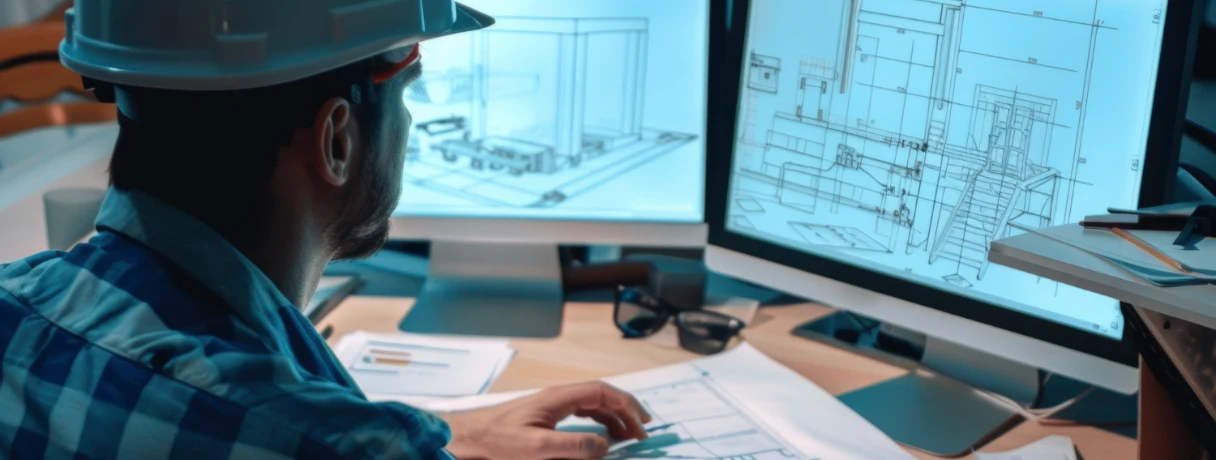
Contractors and estimators use Building Information Modeling (BIM) to visualize designs in 3D, coordinate systems between trades, and extract quantities from digital models. Rather than estimators having to manually count items from drawings, model-based quantity takeoffs are typically faster, more consistent and easier to update as designs evolve.
However, BIM still focuses primarily on the asset itself.
A BIM model explains what the building contains: structural components, mechanical systems, materials, dimensions, and layout. It provides a detailed representation of the project being designed.
What BIM does not fully capture is the broader site context in which that building will exist.
This is where GIS in construction estimating begins to add value.
Geographic Information Systems bring spatial awareness into precon by mapping the surrounding environment of a project. Terrain conditions, transportation networks, zoning boundaries, infrastructure systems, and environmental overlays can all be visualized and analyzed alongside the project itself.
In simple terms:
- BIM explains the building
- GIS explains the environment around it
When estimators combine these perspectives, they begin to see risks and opportunities that traditional estimating workflows often miss.
What GIS brings to the table
The use of GIS in construction estimating expands the role of data in the early stages of project planning.
Rather than assessing projects solely on drawings and specs, estimators can use preconstruction spatial data to understand how location affects cost, logistics, and execution risk.
Several real-world estimating scenarios illustrate this impact.
Zoning and regulatory constraints
Local zoning restrictions can affect building height limits, setbacks, parking requirements, and permitted land use. These factors may influence design modifications, site layout, or additional permitting costs.
Utility infrastructure and site access
GIS data can reveal existing underground utilities, drainage networks, and power infrastructure near a project site. Understanding these systems early helps estimators anticipate relocation costs or construction constraints.
Transportation and logistics
Material delivery routes, nearby highways, and urban density all affect how efficiently equipment and materials can reach the site. Congested locations often introduce scheduling challenges that must be reflected in cost assumptions.
Environmental and terrain conditions
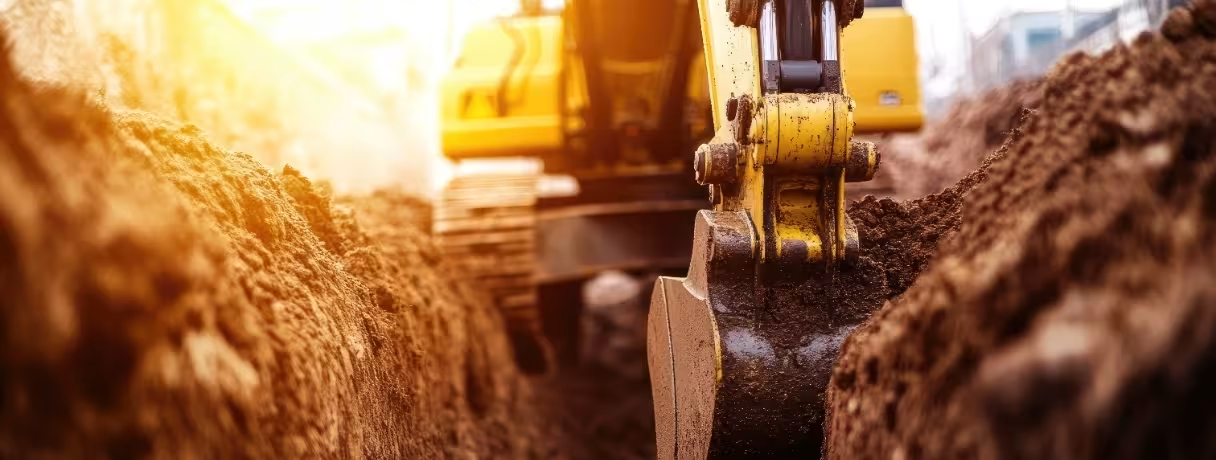
Flood zones, wetlands, elevation changes, and soil stability can significantly affect excavation work and foundation requirements. These factors are critical for location-based risk estimating.
By incorporating geographic data into early planning, estimators gain insights that go far beyond quantity takeoffs. They begin to understand how the project interacts with its physical environment.
Enter GeoAI
While GIS provides valuable information, analyzing large volumes of geographic data can be time-consuming.
This is where GeoAI construction use cases are beginning to reshape how estimators interpret site intelligence.
GeoAI combines geographical data with AI to automatically identify patterns, surface insights, and highlight risks.
Instead of manually reviewing multiple datasets, such as environmental reports, soil maps, and transportation networks, AI can analyze location variables simultaneously and identify potential issues earlier in the estimating process.
AI spatial analysis construction examples are:
- Predicting flood exposure from historical data
- Identifying variability in soils that may impact excavation costs
- Analysis of regional labor supply/commuting distance
- Evaluate transportation congestion that may impact deliveries of materials.
These insights do not replace estimator expertise. Instead, they provide an additional layer of intelligence that helps teams evaluate site risks earlier and with greater accuracy.
How BIM, GIS, and GeoAI work together
Each of these technologies has significant benefits on its own. But the value of them is shown when they work together.
The integration of BIM, GIS, and GeoAI in construction creates a workflow where project models, geospatial data, and predictive analytics inform one another.
- BIM shows the asset.
- GIS shows the environment.
- GeoAI predicts how the environment may influence the project.
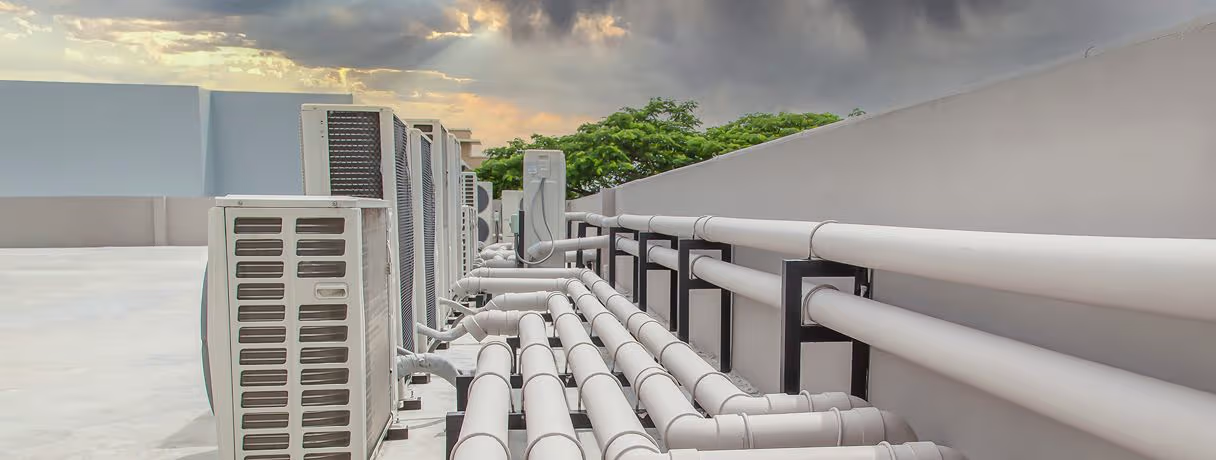
When these systems work together, estimators gain a more comprehensive view of both design and context. Coordination inside the model matters just as much as context around it — here's why MEP is usually the trade everyone waits on and how early BIM coordination prevents costly clashes. This allows teams to connect design quantities with location-based risks and opportunities.
The result is more informed precon planning and a clearer understanding of the variables that influence cost, schedule and logistics.
This evolving combination is quickly becoming part of the construction tech stack 2026. Immersive tools are part of that same stack — here's how VR and AR walkthroughs are reshaping BIM model reviews.
Estimating decisions on this stack can be improved
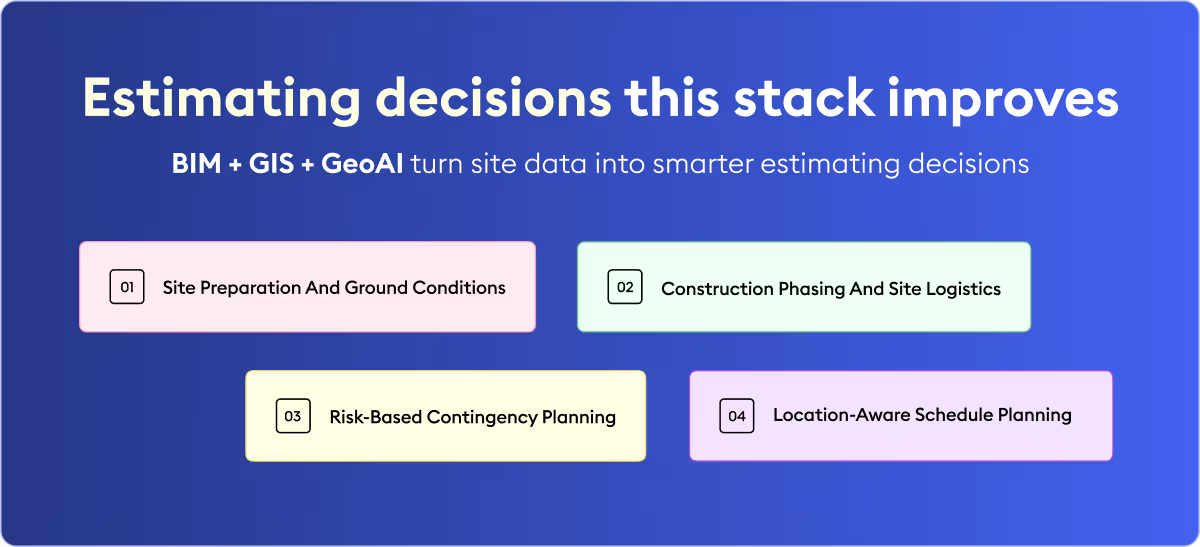
This integration can influence several practical decisions during estimating.
Site preparation
Terrain data, soil conditions, and drainage patterns can affect excavation volumes, grading work and foundation requirements.
Construction phasing
GIS insights can help identify where to set up staging areas, access roads and material storage sites.
Contingency planning
Enviornmental risk data allows estimators to assign more realistic contingencies for site related uncertainties.
Schedule assumptions
Location intelligence can highlight weather exposure, regulatory timelines, or logistics constraints that affect project schedules.
Together, these capabilities strengthen site intelligence for estimators, allowing teams to anticipate risks earlier in the project lifecycle.
How estimators can start using spatial intelligence today
You don’t have to flip everything on its head overnight to adopt this technology stack.
Often contractors start by adding GIS datasets into early feasibility studies or project planning. Others are testing out spatial analytics tools to get a better handle on site conditions before estimates are finalized.
Over time, these capabilities expand as contractors integrate more advanced GeoAI construction use cases into their workflows.
Platforms like Beam AI are also playing a role in this evolution. By automating time-consuming tasks such as plan reading and quantity takeoffs, Beam AI helps estimators complete foundational work faster. This allows teams to spend more time analyzing risks, evaluating design decisions, and improving estimating strategy.
By automating time-consuming tasks such as plan reading and quantity takeoffs, Beam AI helps estimators complete foundational work faster. This allows teams to spend more time analyzing risks, evaluating design decisions, and improving estimating strategy.
As preconstruction becomes increasingly data-driven, integrating BIM, GIS, and GeoAI into construction estimating will likely become a defining capability for modern estimating teams.
Because in the future of construction estimating, understanding the building will no longer be enough.
Estimators will also need to understand the environment in which it is built.


.jpg)


.webp)

