




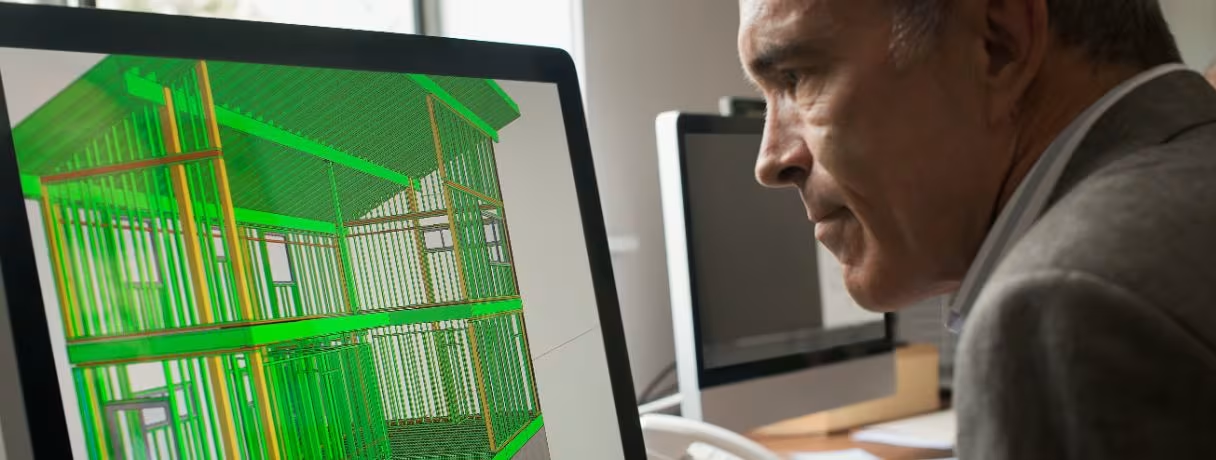
How VR and AR Are Transforming BIM Model Reviews
Virtual reality (VR) and augmented reality (AR) are making BIM model reviews more immersive and practical by letting AEC teams experience designs at full scale instead of viewing them only on screens. By turning BIM models into walkable environments, VR and AR help teams spot design issues, coordinate trades, validate spaces and make better decisions before construction begins.
For decades, reviewing a building design meant staring at flat drawings and static 3D screenshots, then trying to imagine how a corridor, mechanical room or curtain wall would actually feel once built. That gap between the model on a monitor and the building in real life hid many expensive mistakes. Virtual reality (VR) and augmented reality (AR) are closing that gap.
This shift isn't a novelty. It's becoming a standard part of how AEC (architecture, engineering, construction) teams validate BIM models, run design reviews and collaborate across time zones.
From Static 3D Models to Immersive Walkthroughs
A traditional BIM model, no matter how detailed, is still experienced through a screen. Even experienced architects and engineers can misjudge scale, headroom, clearances or spatial flow when viewing a building at a fraction of its actual size. VR changes this by placing users directly inside the model at a true 1:1 scale.
With a VR headset, the digital model becomes a life-size, walkable representation of the building. Team members can move through corridors, stand beneath beams, enter mechanical rooms and assess spaces as they would in the finished building. They can quickly identify issues; for instance, a valve may meet required clearance but still be difficult to reach for servicing. A mechanical room may have enough installation space but no practical path to remove equipment, while an electrical panel may meet clearance requirements yet be blocked by a nearby door or pipe. These constructability and maintainability issues are easier to spot at 1:1 scale.
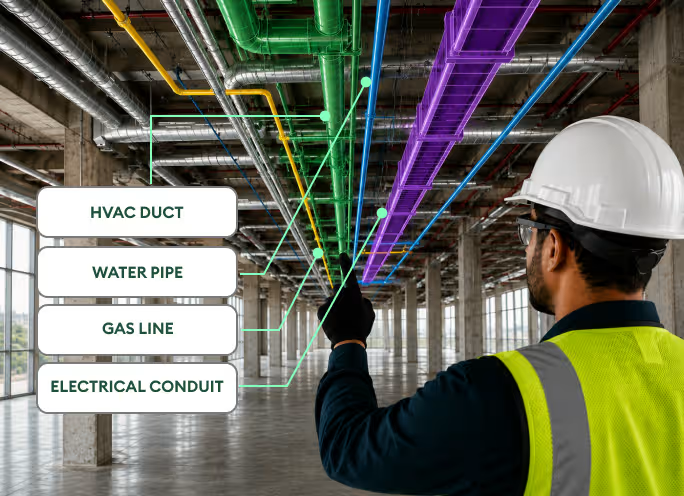
AR takes a different but complementary approach. Rather than replacing the physical environment, it overlays BIM elements such as walls, ductwork, conduit and structural members onto the real-world site through a tablet, smartphone, smart glasses or headset. This allows construction teams to visualize where components will go, compare the model against existing conditions and identify potential coordination issues before installation.
Together, VR and AR provide two ways to experience the same BIM model: VR puts teams inside the design, while AR brings the design into the physical environment.
Why Immersive Design Reviews Matter
The value of walking through a BIM model in VR goes far beyond the thrill of an immersive experience. It changes how teams identify design issues, communicate ideas and make decisions before construction begins.
- Better spatial awareness at true scale. VR places users inside a life-size version of the model, making spatial issues much easier to recognize. A soffit that sits too low, a doorway that interferes with a fire extinguisher cabinet or a cramped corridor can become immediately apparent when viewed from the perspective of someone standing in the space.
- Faster, more confident decisions. Clients and stakeholders can experience the design instead of interpreting it from 2D drawings or renderings. Seeing how rooms connect, how finishes look and how spaces feel makes the design easier to understand, helping teams reach decisions faster and reducing lengthy approval cycles.
- Earlier clash detection. Navigating a coordinated BIM model in an immersive environment can make conflicts between architectural, structural, and MEP elements easier to recognize. Identifying these issues during design gives teams an opportunity to resolve them before they reach the job site, reducing rework, change orders and potential schedule delays.
- Remote collaboration without travel. VR also allows geographically distributed teams to participate in the same virtual walkthrough. Team members can review the model together, discuss design issues, add markups and reach decisions without being in the same room or even on the same continent. This makes immersive BIM reviews particularly useful for projects involving multiple offices, consultants, and stakeholders.
AR on the Job Site: Turning the Model Into a Guide
Once the construction starts, AR becomes a tool for the field, not just for design. Rather than workers cross-referencing paper drawings with what’s in front of them, an AR-enabled device projects the BIM model’s geometry directly onto the physical space.
Bringing BIM models into the real world for smarter execution
AR turns the BIM model into a visual reference that helps field teams install, verify and coordinate work directly in the space.
Installation Guidance
Crews can see the planned routing of ducts, pipes, conduits and other components overlaid directly onto walls, ceilings and floors. This provides a clear visual reference for where systems should go before installation begins, helping reduce placement errors.
.avif)
Progress Verification
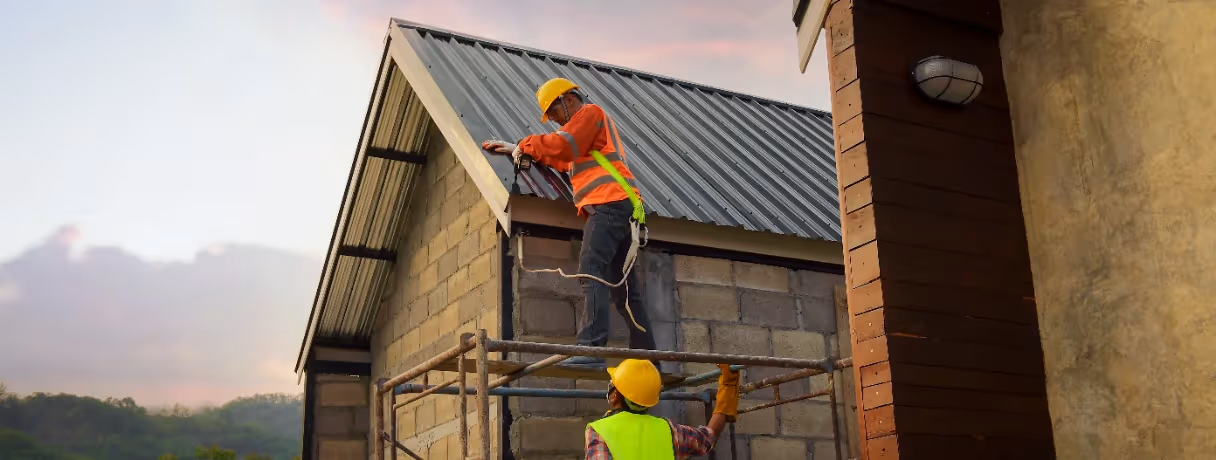
AR can help teams compare what has been built with what the BIM model shows. By checking installed work against the planned design, supervisors can spot deviations early and address them before they affect downstream work.
.avif)
Reduced Rework
Seeing pipes, conduits, framing, and other systems in their intended locations helps crews identify potential mistakes before they become costly rework. This is particularly useful when multiple trades are working in the same space.
This overlay approach also supports safety training which allows team to simulate hazardous scenarios or walk through evacuation routes in a controlled, low-risk environment before ever setting foot on an active site.
Where VR and AR BIM Tools Fit in the Workflow
There’s now an expanding ecosystem of BIM VR software and extended reality construction tools that connect directly with popular modeling platforms. Tools such as Autodesk Workshop XR for immersive VR design reviews, Twinmotion and Enscape for real-time visualization, Resolve for VR model coordination and GAMMA AR for on-site AR can turn coordinated BIM models into immersive environments with relatively little additional setup. Autodesk Workshop XR, for example, connects directly with Autodesk Construction Cloud (via Autodesk Docs) for collaborative VR reviews, while GAMMA AR overlays BIM models onto the physical construction site.
Point cloud data and as-built scans can also be brought into these environments, allowing teams to compare existing conditions with the planned model during walkthroughs. This means BIM walkthroughs are no longer just a final design deliverable. They can serve as recurring checkpoints throughout preconstruction and construction for design validation, client presentations, stakeholder reviews and field coordination.
How BIM Model Accuracy Impacts VR and AR Walkthroughs
The value of immersive BIM depends on more than the technology itself. Teams need the right skills, processes and accurate models to get the most from VR and AR. BIM teams provide the structured models and project data that AR/VR tools rely on, while immersive technology specialists turn that information into usable experiences. The real value comes from keeping both connected so teams can use up-to-date models to make faster, better decisions, not simply visualize the design.
But even the best VR or AR platform cannot compensate for an inaccurate or poorly coordinated BIM model. If architectural, structural, and MEP elements are not properly coordinated before the model enters an immersive environment, teams may end up reviewing a digital representation that does not accurately reflect what can be built.
In other words, an immersive BIM walkthrough is only as reliable as the model behind it. Model accuracy and coordination need to come first for VR and AR reviews to deliver meaningful results.
Getting Coordinated, Walkthrough-Ready Models With BIM Co-Pilot
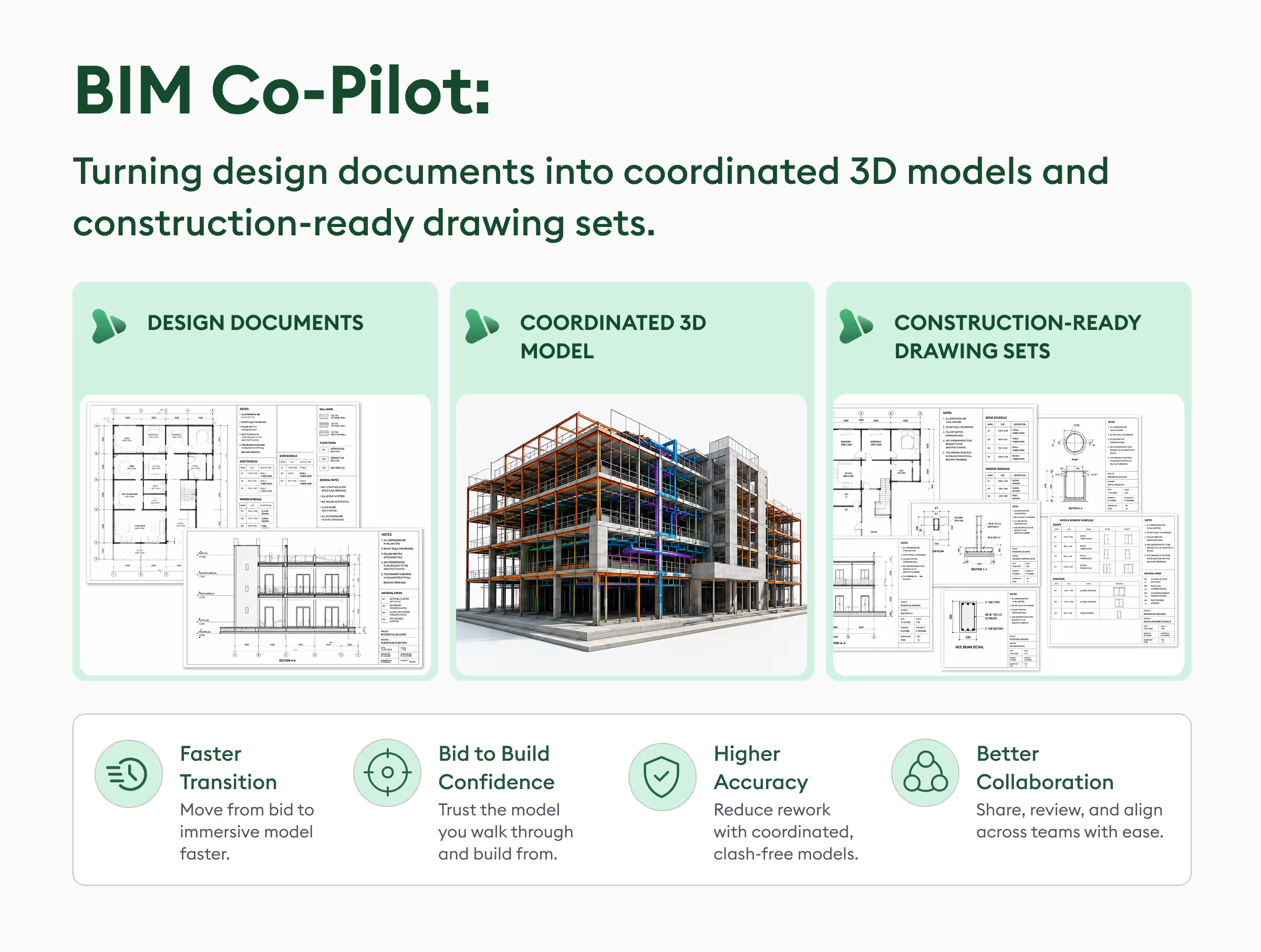
This is where a fully managed BIM solution like BIM Co-Pilot becomes useful for teams that want to get the most out of VR and AR walkthroughs without building an in-house BIM department. BIM Co-Pilot provides human-vetted, multi-trade BIM management across architecture, structure, civil, HVAC, plumbing, electrical, and fire protection, so the model your team walks through in VR or overlays on-site with AR is already coordinated and clash-free.
Instead of discovering conflicts between structural and MEP elements mid-walkthrough, or realizing during an AR overlay that ductwork was never properly checked against ceiling framing, teams get a model that's been resolved before it ever reaches the headset or tablet.
That means immersive design reviews focus on what they're actually meant for, such as, validating spatial design, confirming layouts with clients and giving field crews accurate installation guidance rather than surfacing coordination errors that should have been caught earlier.
For contractors already using AI-based takeoffs and estimating tools to win more work, BIM Co-Pilot extends that same efficiency into project execution. Reaching that level of coordination in-house depends on your BIM maturity — see how the BIM maturity levels 0 to 3 map to collaboration and coordination.
The Bigger Picture
VR and AR haven't just made BIM models easier to look at; instead, they've changed who gets to weigh in on a design and when.
A client with no construction background can now walk through a building and give meaningful feedback, a field supervisor thousands of miles from the design office can spot a clash without opening a single 2D drawing, and a superintendent on-site can hold up a tablet and see exactly where a duct is supposed to run.
The construction extended reality market reflects this shift. A January 2026 industry report projects the market will grow from $6.63 billion in 2025 to $8.21 billion in 2026, a 23.9% CAGR, driven in part by immersive design validation, virtual modeling, digital collaboration, and remote visualization.
As digital twin, mixed reality (MR), and XR tools continue to mature, immersive BIM walkthroughs are likely to become a default part of design validation and field coordination rather than an occasional add-on. Construction firms that get ahead of this shift are the ones treating BIM model quality and immersive review as connected priorities because a stunning VR walkthrough built on an uncoordinated model is still, ultimately, a walkthrough of the wrong building.



.jpg)